Notifications
Overview
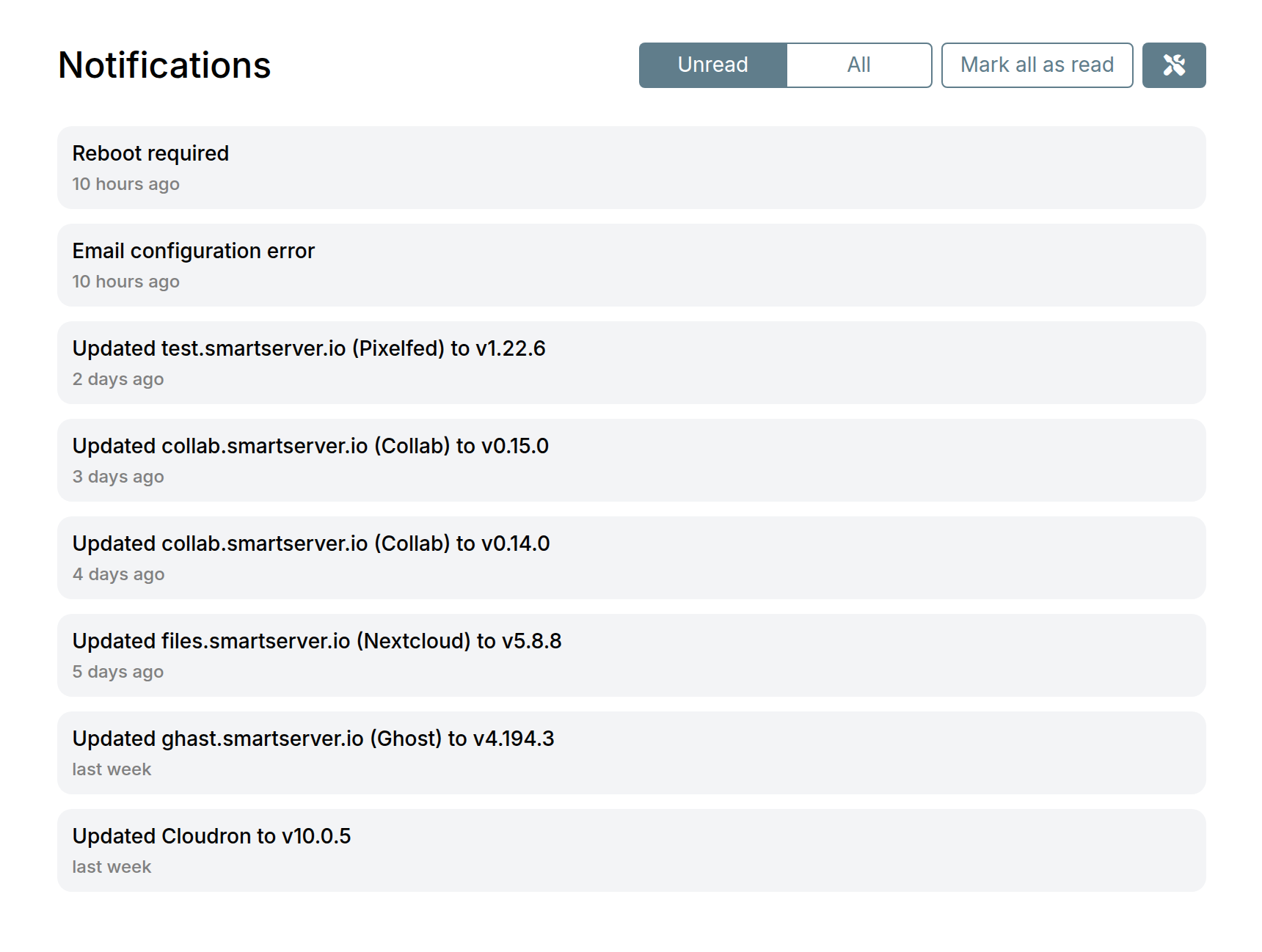
Notifications are displayed in the dashboard for various events:
- App is back online
- App is down
- App ran out of memory
- App updated
- App auto update failed
- Backup failed
- Backup config issues
- Certificate renewal failed
- Cloudron installed
- Cloudron updated
- Cloudron update failed
- Domain config check failed
- Low disk space
- Mail status
- Manual app update needed
- Manual update required
- Platform update available
- Server reboot required
- Ubuntu update available
The notification icon in the navigation bar shows active notifications.
Notification emails
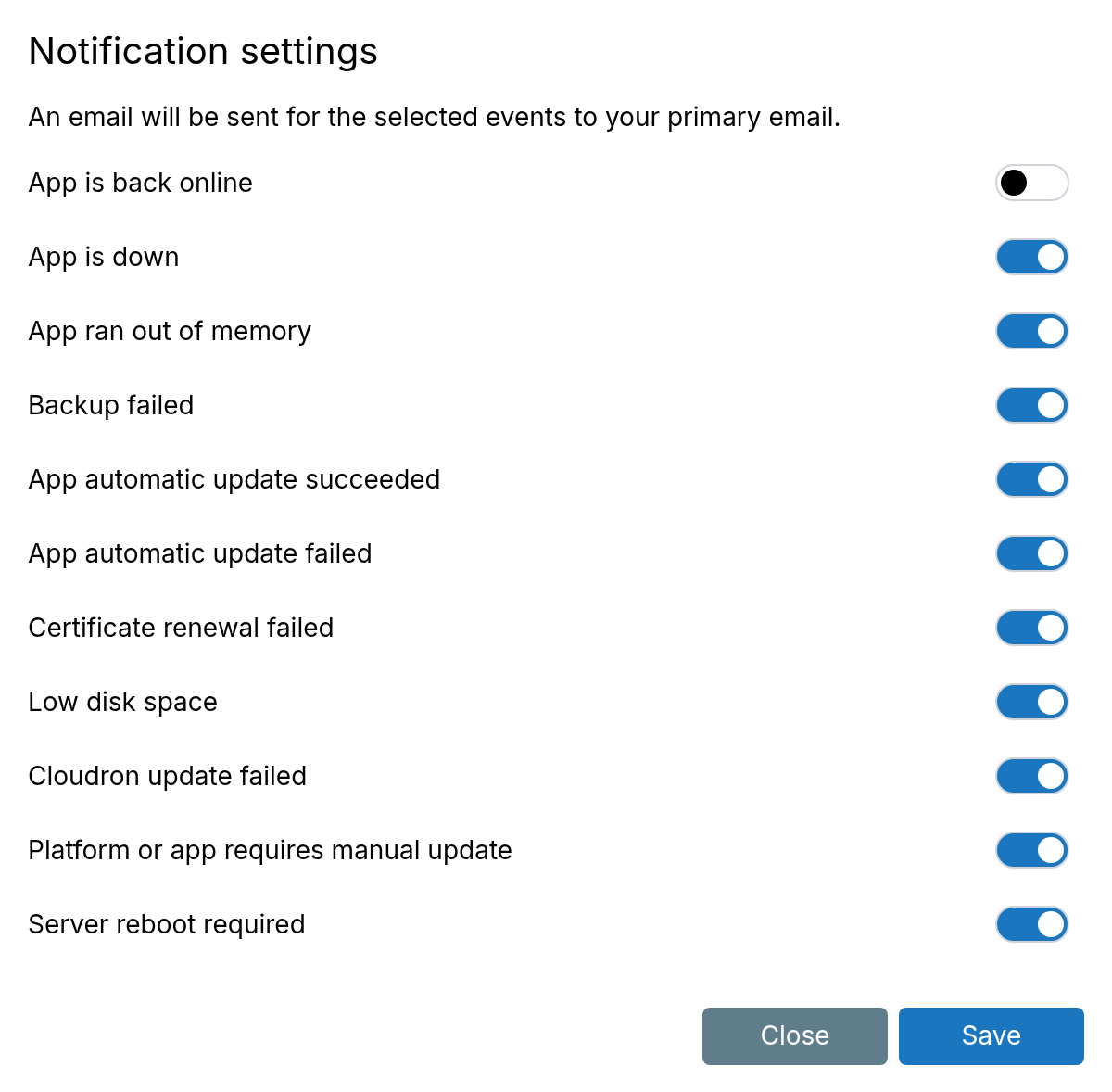
Notification emails can be configured per user from the Notifications view (wrench icon). An email is sent for the selected events to the primary email.
Server health
For reliability, configure an external service to monitor server health.
Use https://my.<domain>/api/v1/cloudron/status as the health check URL.