 Vaultwarden
About
Bitwarden is an Open Source Password Management solution for individuals, teams, and business organizations. Vaultwarden is an unofficial Bitwarden compatible server written in Rust, fully compatible with the client apps.
- Questions? Ask in the Cloudron Forum - Vaultwarden
- Vaultwarden Website
- Vaultwarden issue tracker
Disable registration
When installed without Cloudron user management, open registration is enabled. Change this by editing /app/data/config.json using the File Manager. For example, to disable signup but allow invitations set the variables:
  "signups_allowed": false,
  "invitations_allowed": true,
Restart the app for changes to take effect.
Admin
The admin UI is located /admin. To log in, look for the admin_token field inside /app/data/config.json using the File manager.
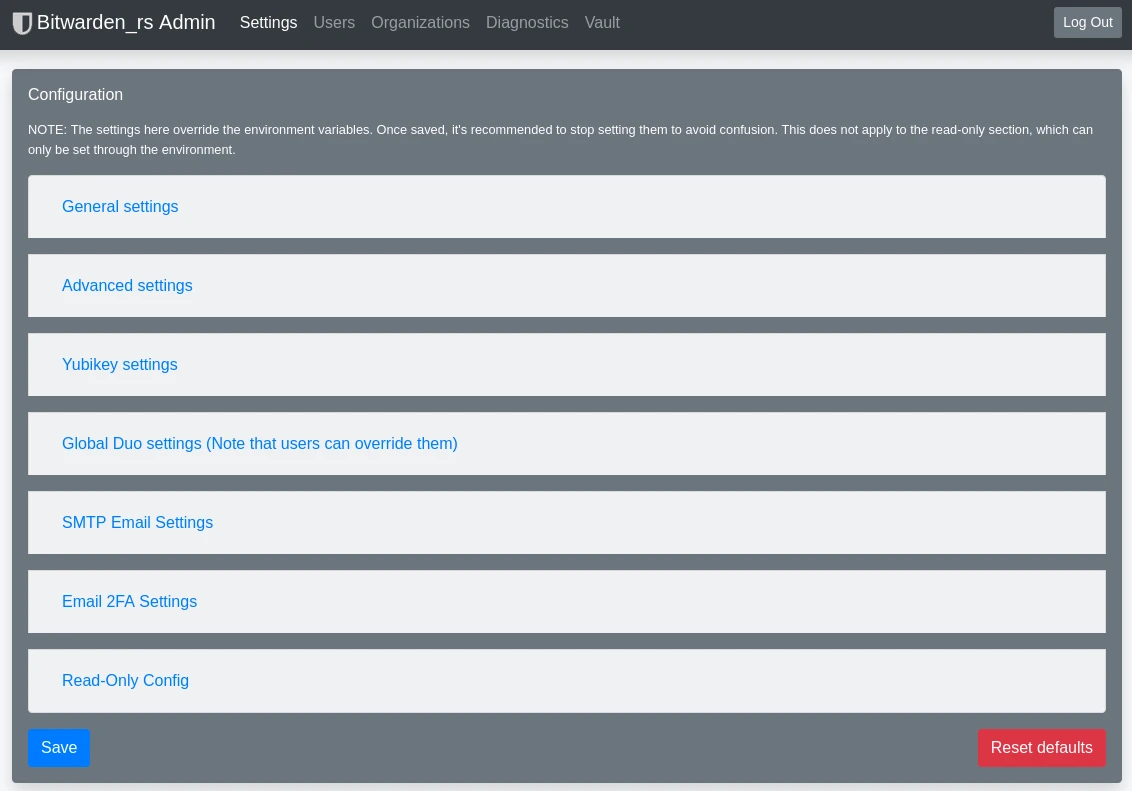
Starting with version 1.28, it is safer to generate an admin token using the built-in hash feature. Otherwise, warnings might be shown in the logs - Please generate a secure Argon2 PHC string by using vaultwarden hash or argon2.
To fix, open a web terminal and run:
/app/code/vaultwarden hash
Generate an Argon2id PHC string using the 'bitwarden' preset:

Password:
Confirm Password:

ADMIN_TOKEN='$argon2id$v=19$m=65540,t=3,p=4$RCpl3a+FItyn4KBJVAtZ+EyP9+fK0hoRqqo9jEdyRJE$d7UfKfZYsZJad6OIKpzPtO2o2ccLkrHjEi5jXdWWkO0'
Take the above ADMIN_TOKEN and put it in /app/data/config.json in the field admin_token.
Important:
- Remove the single quotes around the argon2id string above.
- The token to login to the admin page is the password you entered above to generate the
ADMIN_TOKEN. config.jsonshould be edited like below (please be careful about the quoting):
"admin_token": "$argon2id$v=19$m=65540,t=3,p=4$RCpl3a+FItyn4KBJVAtZ+EyP9+fK0hoRqqo9jEdyRJE$d7UfKfZYsZJad6OIKpzPtO2o2ccLkrHjEi5jXdWWkO0"
Restart the app and verify the token changed.
Custom config
Set custom environment variables in /app/data/env.sh using the File Manager.
Vaultwarden's admin page generates config.json which overrides the above env vars. See config docs for which values are readonly and can only be set using environment variables.