 Ackee
Ackee
About
Ackee is a Self-hosted, Node.js based analytics tool for those who care about privacy.
- Questions? Ask in the Cloudron Forum - Ackee
- Ackee Website
- Ackee docs
- Ackee issue tracker
Admin password
Change the admin password by editing /app/data/env using the File manager. Restart the app after making the change.
Adding a domain
-
Add the domain to track inside Ackee's Settings page. For example, to track
www.cloudron.space, add it like so: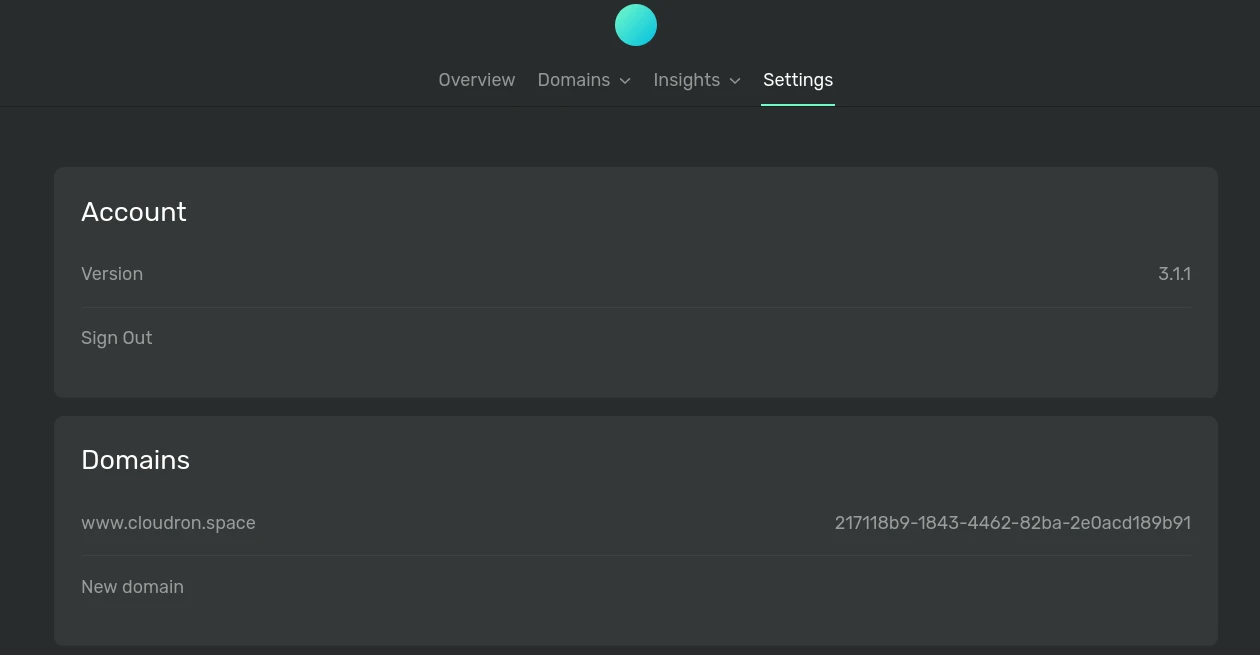
-
Configure Ackee with the correct CORS configuration for the domain you added. Edit
/app/data/envusing the File manager and add the tracked website inACKEE_ALLOW_ORIGIN.
ACKEE_ALLOW_ORIGIN="https://www.cloudron.space"
-
Restart Ackee after making the above change.
-
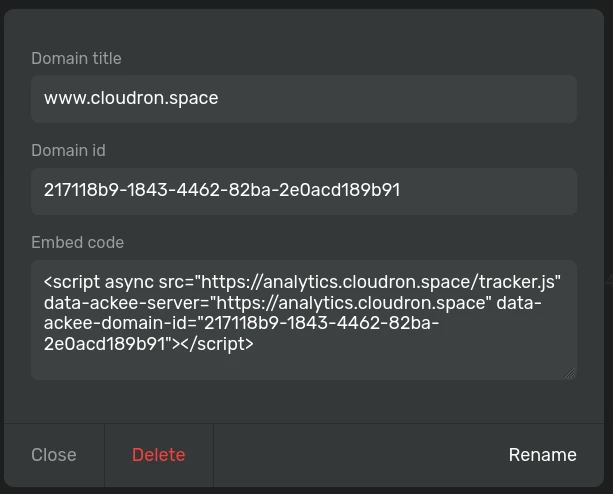
Embed Ackee's tracker.js script in the tracked website. Replace the ackee URL and the domain ID. Get the snippet below by clicking on the domain entry in Ackee's setting view.
<script async src="https://ackee.cloudron.space/tracker.js" data-ackee-server="https://ackee.cloudron.space" data-ackee-domain-id="217118b9-1843-4462-82ba-2e0acd189b91"></script>
Data collection
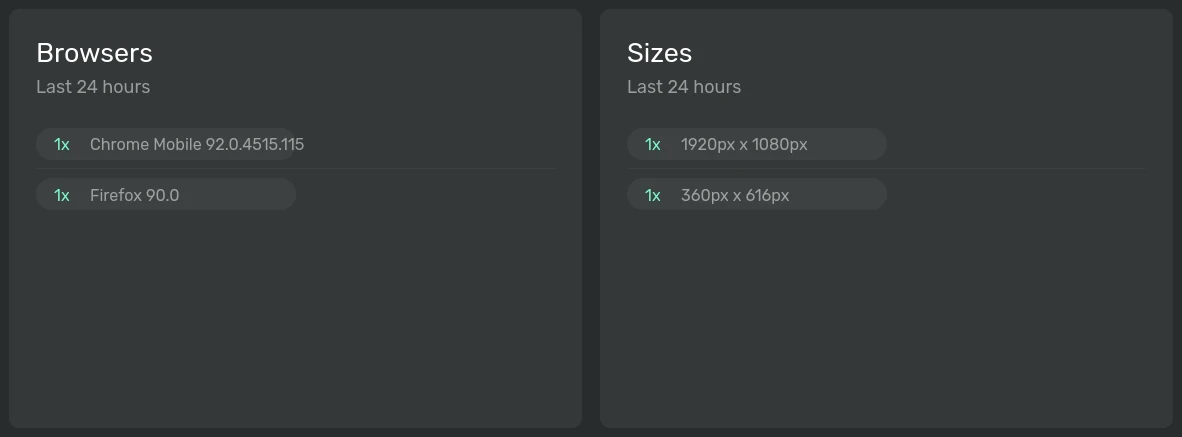
By default, Ackee won't track personal information like device and browser info. To enable detailed tracking, pass the data-ackee-opts to the script tag:
<script async src="https://ackee.cloudron.space/tracker.js" data-ackee-server="https://ackee.cloudron.space" data-ackee-domain-id="217118b9-1843-4462-82ba-2e0acd189b91" data-ackee-opts='{ "ignoreLocalhost": true, "detailed": true }'></script>
You should now be able to see detailed stats:
See Ackee's docs for more information.