Updates
Platform updates
The platform checks cloudron.io periodically and applies updates automatically.
A complete backup of platform data and all apps is created before applying an update. If backup creation fails, the update is not performed.
Updates are GPG signed for security.
Review the official Changelog for a list of changes made in each version.
App updates
Apps are installed from the App Store. The platform checks for updates periodically and applies them based on the update policy.
A backup is created before each app update. If backup creation fails, the update is not applied. If an update fails or causes issues, restore from backup to roll back.
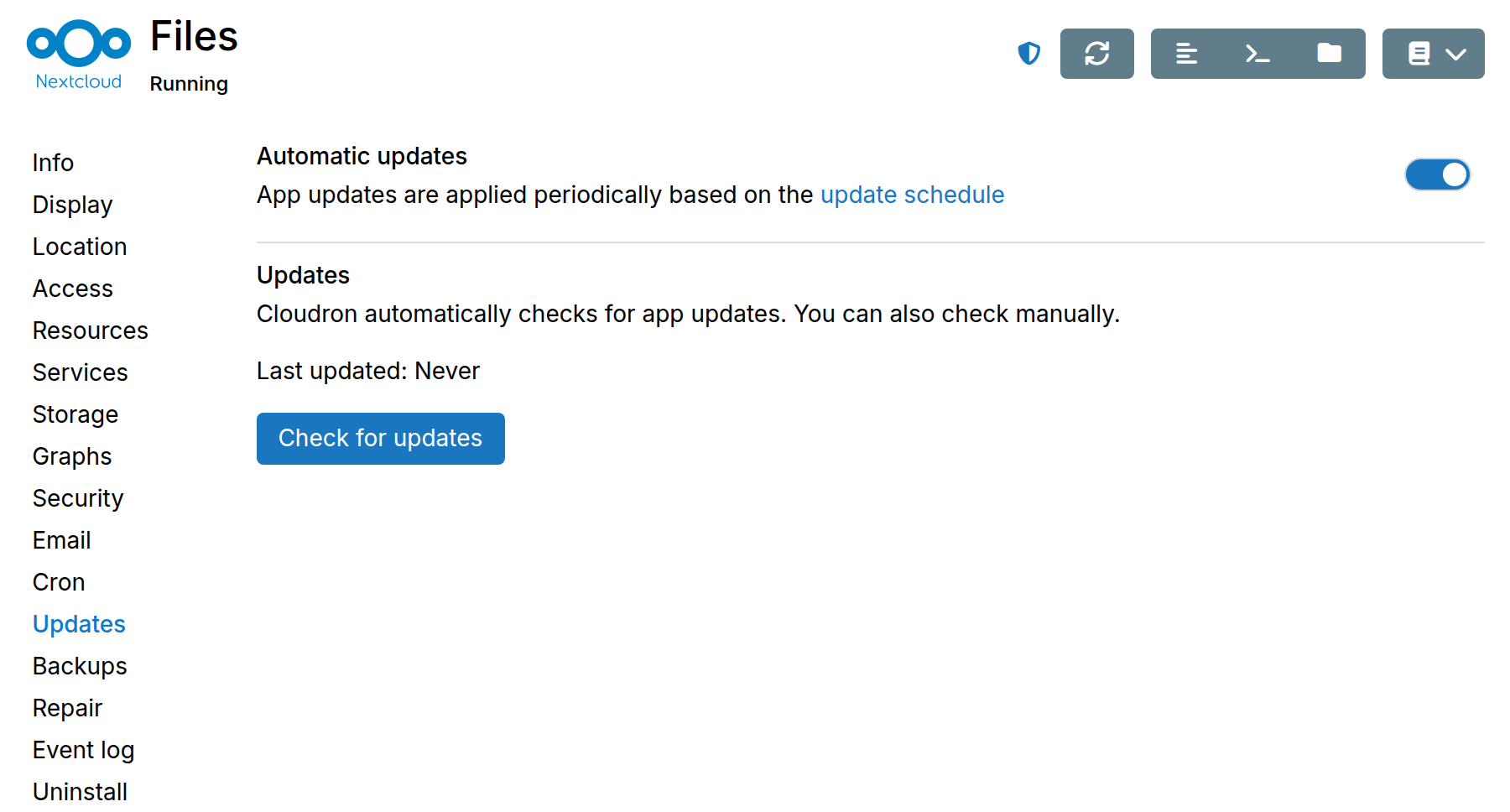
Updates can be disabled per app from the Updates section in the app's configuration:
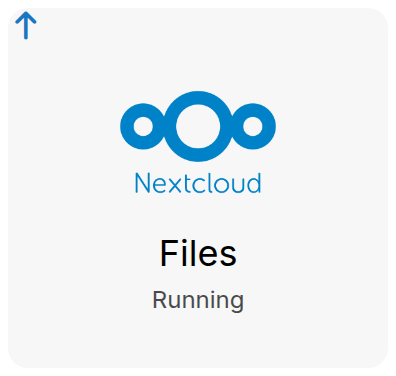
When an update is pending, an update indicator is shown on the app:
Automatic updates
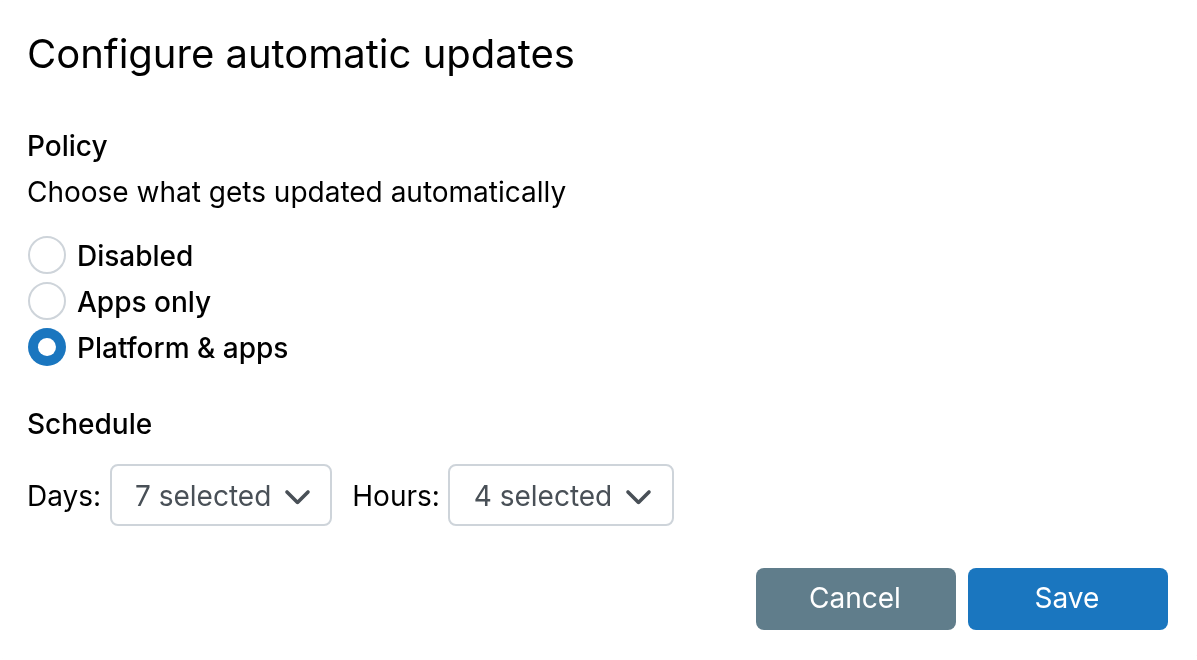
The automatic update policy controls what gets updated automatically. It can be configured
under System > Updates.
Three policies are available:
- Disabled - No automatic updates. Administrators receive email notifications when updates are available and can apply them manually from the dashboard.
- Apps only - Only app updates are applied automatically on the configured schedule.
- Platform & Apps - Both platform and app updates are applied automatically on the configured schedule.
When a policy other than Disabled is selected, a schedule can be configured to control which days and hours updates are applied.
Rollback
To roll back an app update, restore the app from a backup. To roll back a platform update, restore the platform from a backup.
Canceled subscription
When the subscription is canceled, the platform and installed apps stop receiving updates. The server and apps continue to run indefinitely. The subscription can be renewed at any time.
Support is limited if the system is significantly out of date. It is recommended to keep the platform updated.