Network
IPv4
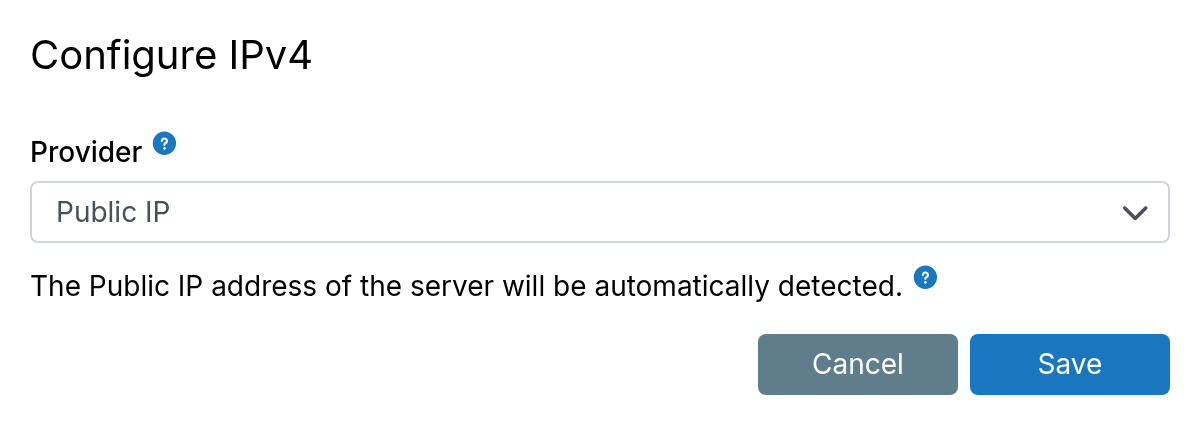
The IPv4 settings configure the IPv4 address used for DNS A records.
Public IP
When using the Public IP provider, the server's public IP address is automatically detected by querying https://ipv4.api.cloudron.io/api/v1/helper/public_ip.
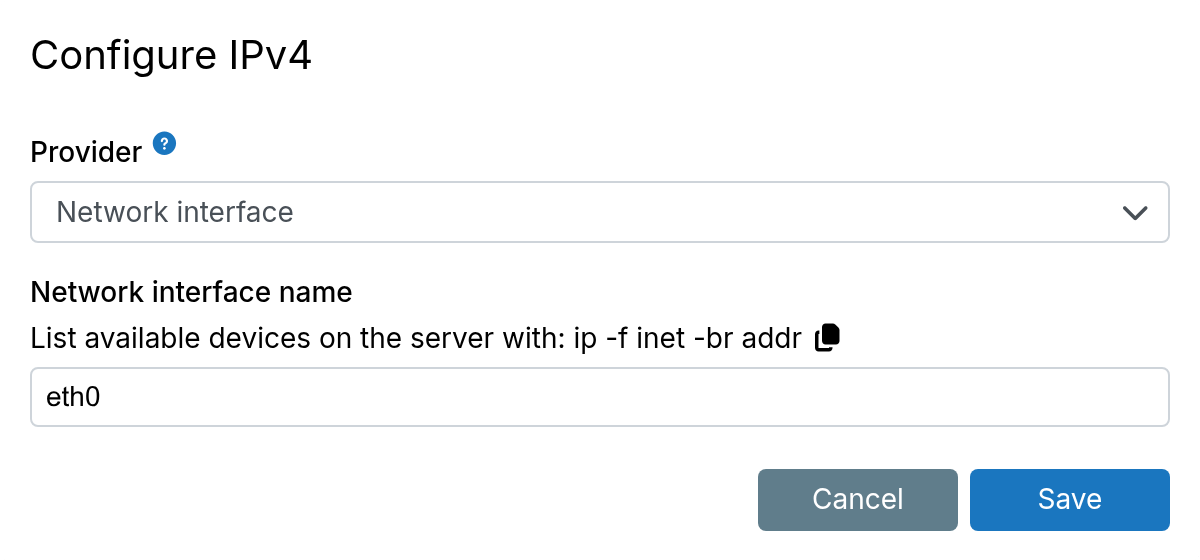
Network interface
If the server has multiple IP addresses, configure the preferred IP address by specifying
the network interface. List the interfaces using ip -f inet -br addr.
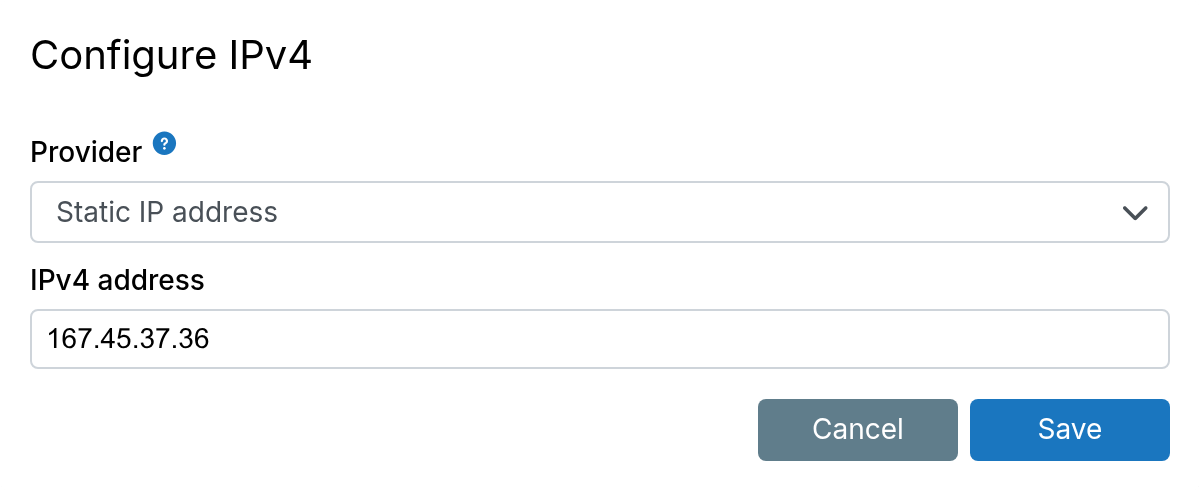
Static IPv4
A static IPv4 address (public or private) can be configured here. Common use cases:
- Digital Ocean Floating Address
- AWS VPC IP address
- OVH Failover IP
IPv6
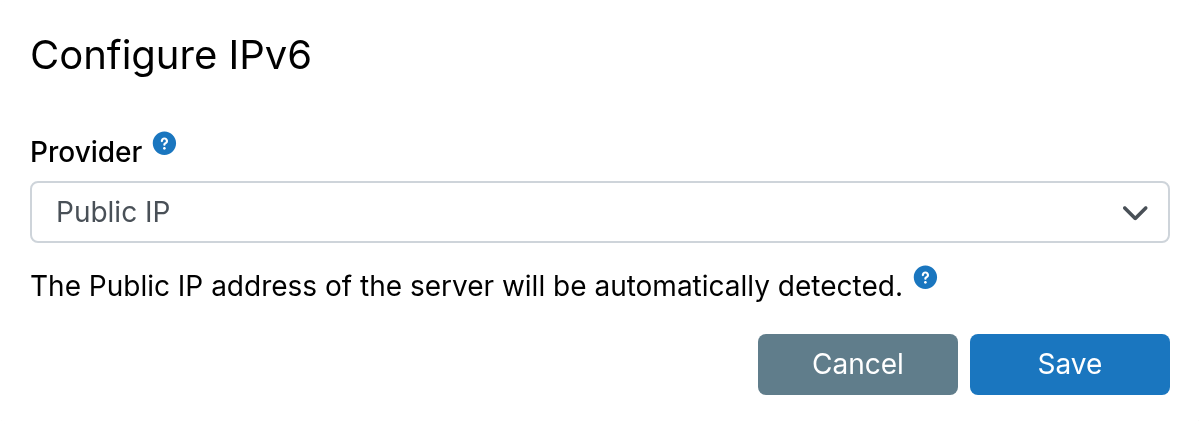
The IPv6 settings configure the IPv6 address used for DNS AAAA records.
Public IPv6
When using the Public IP provider, the server's public IPv6 address is automatically detected by querying https://ipv6.api.cloudron.io/api/v1/helper/public_ip.
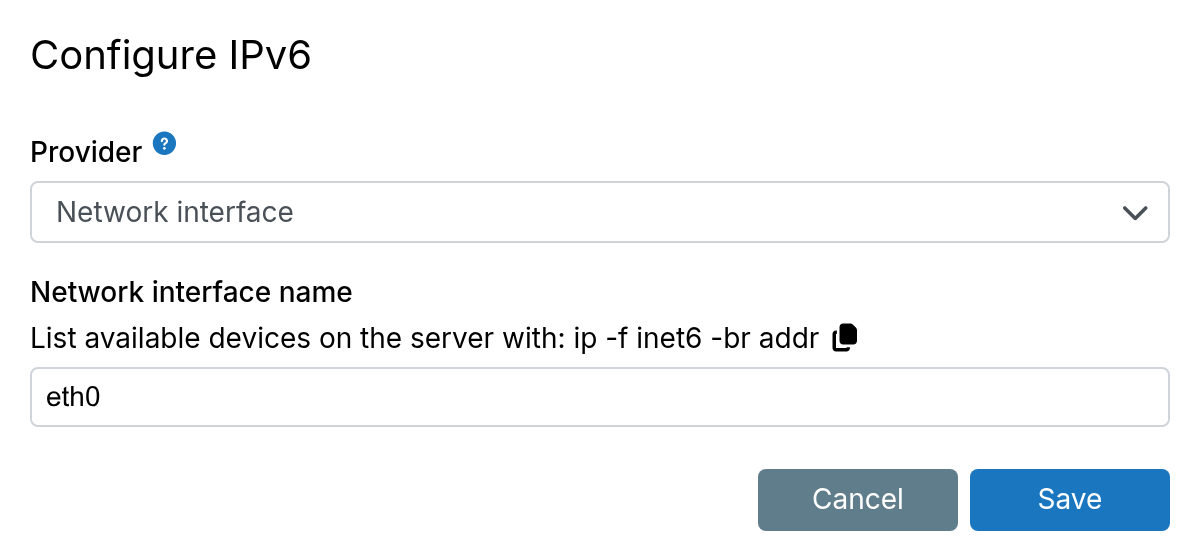
Network interface
If the server has multiple IPv6 interfaces, configure the preferred IPv6 address by specifying
the network interface. List the interfaces using ip -f inet6 -br addr.
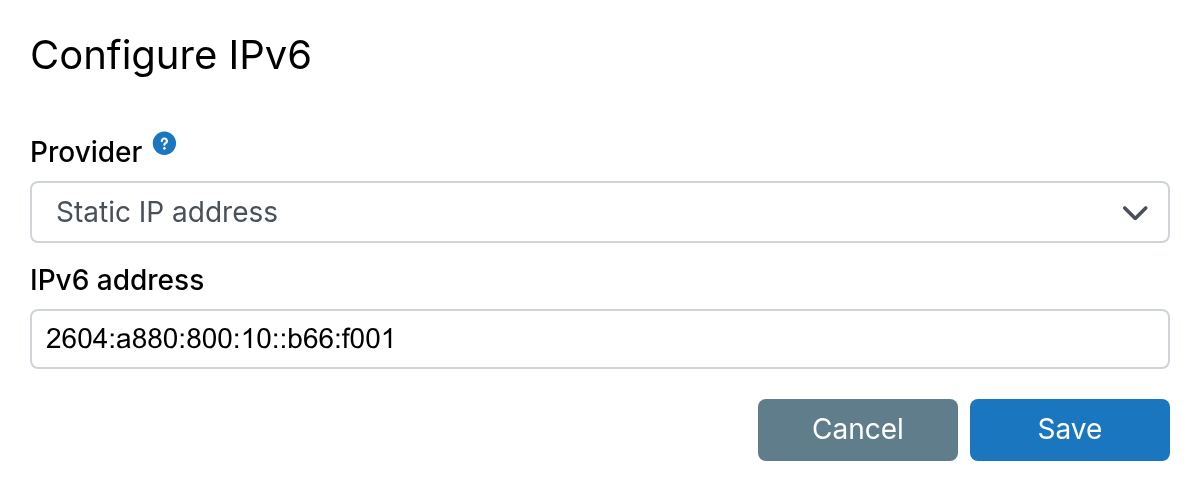
Static IPv6
A static IPv6 address can be configured here. Servers are commonly allocated a /64
IPv6 block. Use this setting to assign a specific address from that block.
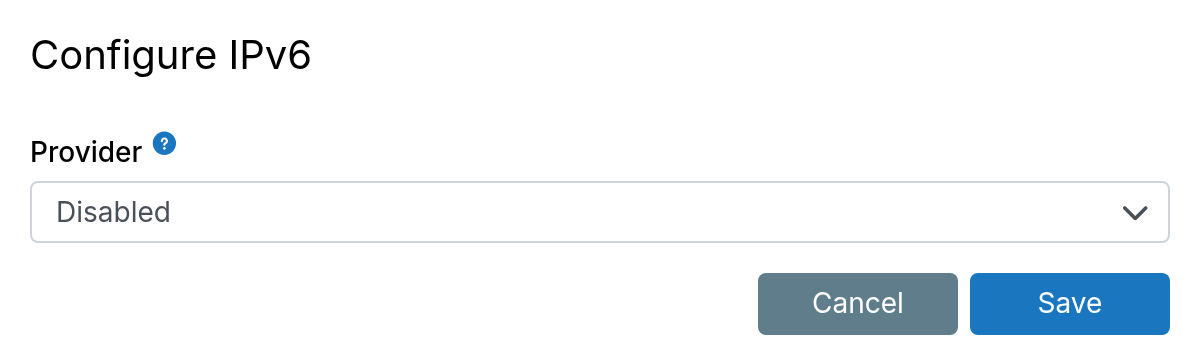
Disabled
To disable IPv6 support, choose Disabled in the provider dropdown.
Existing AAAA records are not automatically removed from DNS. Remove them manually.
DNS
All apps and services use the default Ubuntu setup for name resolution. On most VPS providers, this is systemd-resolved.
For recursive DNS lookups and DNSBL lookups (Email Server), the unbound DNS resolver is used.
Systemd-resolved
The systemd-resolved service runs at 127.0.0.53. Use resolvectl to check the nameservers being used by systemd-resolved
and check its status using systemctl status systemd-resolved.
Despite the service running, it may be unused due to misconfiguration. /etc/resolv.conf must contain nameserver 127.0.0.53 for
the system to use systemd-resolved.
If host www.cloudron.io resolves, then DNS resolution is working.
Unbound
The unbound DNS resolver runs internally at 127.0.0.150. This service does not interfere with DNS resolution of apps and services.
Check its status with systemctl status unbound.
unbound may have trouble resolving if your network disallows DNS requests or if a domain has misconfigured DNSSEC. Check if it is
working by running host www.cloudron.io 127.0.0.150 which should resolve.
If unbound does not resolve, investigate using journalctl -u unbound. Add a custom config file
/etc/unbound/unbound.conf.d/custom.conf to disable DNSSEC:
# This disables DNSSEC for all domains. alternately, use 'domain-insecure: "example.com"' to disable DNSSEC for specific domain
server:
  val-permissive-mode: yes
To forward all queries to another DNS server, add a forward-zone section (change name to example.com. to restrict to a single domain):
# Forward all queries to the network's internal DNS 10.0.0.2. you can also use 1.1.1.1 (Cloudflare) or 8.8.8.8 (Google)
forward-zone:
  name: "."
  forward-addr: 10.0.0.2
Restart unbound and verify:
sudo systemctl restart unbound
sudo systemctl status unbound
host www.cloudron.io 127.0.0.150
Dynamic DNS
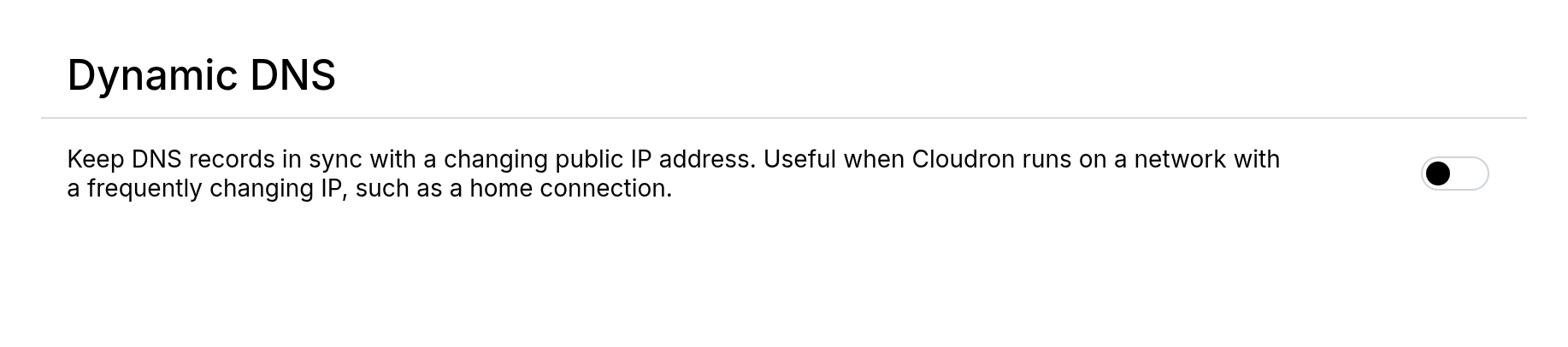
Dynamic DNS keeps all DNS records in sync with a changing IP address. This is useful when Cloudron runs on a network with a dynamic public IP, such as a home connection.
Internal network
All apps and services run in an internal network (not reachable from outside the server). This network address is
hardcoded to 172.18.0.0/16. Some services like databases have static IPs to aid in connectivity from outside via an SSH
tunnel. App addresses are dynamic.
| Service | IP |
|---|---|
| MySQL | 172.18.30.1 |
| PostgreSQL | 172.18.30.2 |
| MongoDB | 172.18.30.3 |
Firewall
Blocklist
The blocklist blocks IP addresses and/or networks from connecting to the server.
Country-based blocklists can be downloaded from www.ipdeny.com: IPv4 and
IPv6.
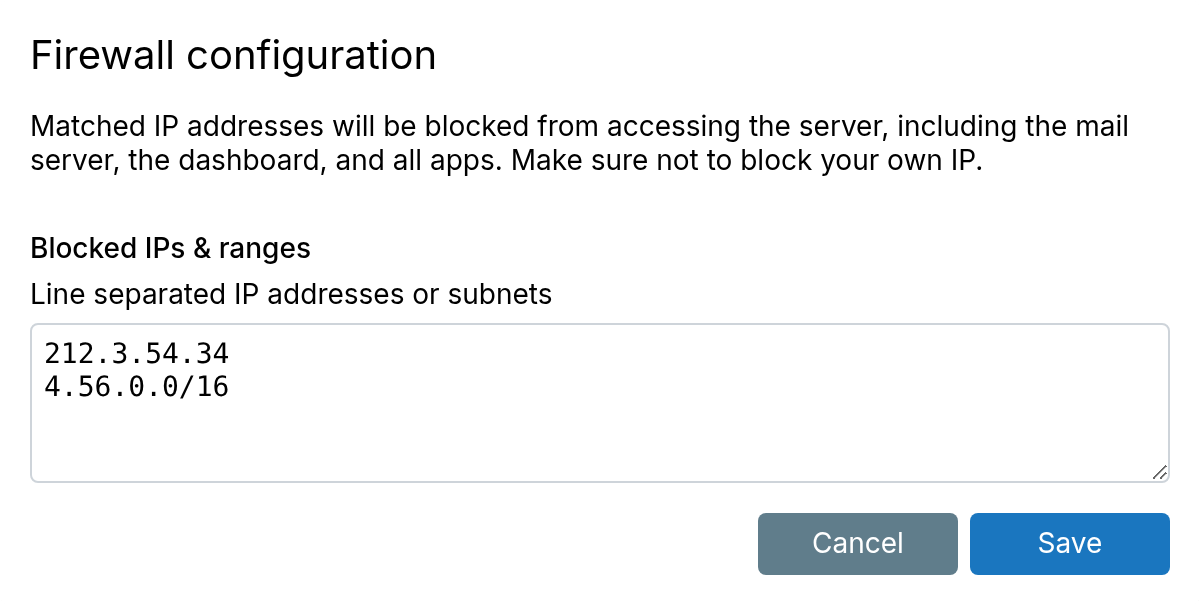
Add comments to line items as needed. Comments must remain on their own line:
# Spammy IP
111.111.111.111
Be careful about what IP addresses you block. If locked out, get console access to the server,
remove /home/yellowtent/platformdata/firewall/blocklist.txt, and reboot.
Whitelist ports
Installing additional packages or running other services on the server is not supported. However, the firewall can be configured to permit additional incoming TCP and UDP ports.
Edit /home/yellowtent/platformdata/firewall/ports.json (create this file if it does not exist
and set the owner to yellowtent):
{
    "allowed_tcp_ports": [ 2140, 3540 ],
    "allowed_udp_ports": [ ]
}
Restart the firewall to apply the configuration:
systemctl restart cloudron-firewall
Trusted IPs
When behind an HTTP(S) proxy, set the IP address(es) of the proxy as trusted. This
makes the system trust the values of various HTTP headers in the request. For example, it picks up the
original client IP address from the X-Forwarded-For header and uses it in logs and email notifications.
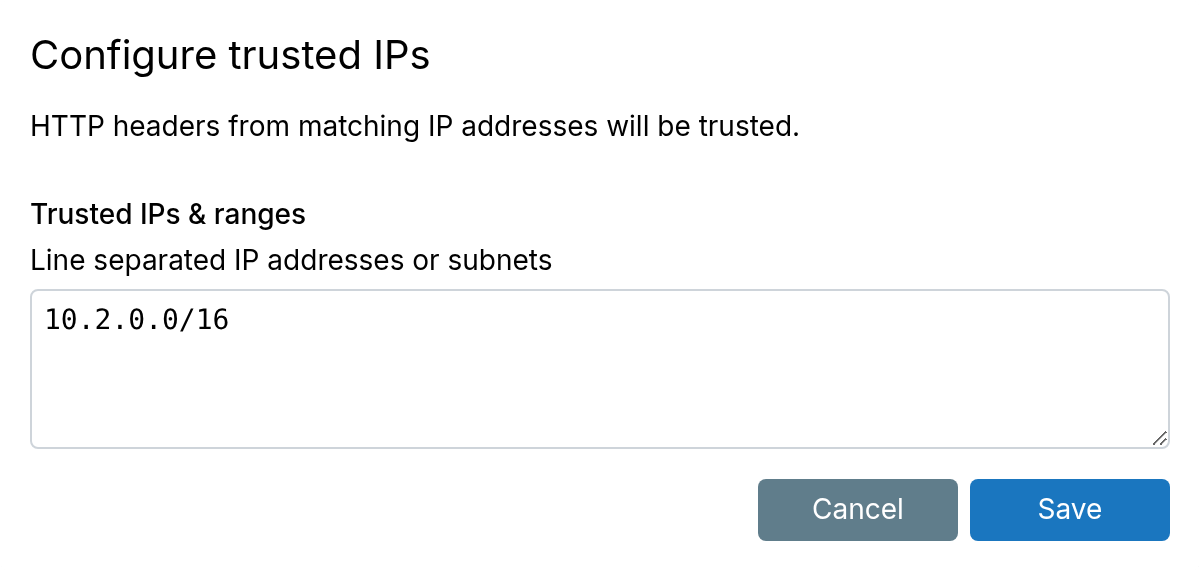
When behind Cloudflare, use the IP list from Cloudflare's published IPs.
VPN protection
VPN protection restricts selected apps so they are only reachable through a VPN connection. Common uses:
- Limit exposure to public scanners and bots
- Keep internal apps (HR, billing, admin tools) off the public internet
- Add a network layer in front of apps that hold sensitive data. App login and access control can fail or be bypassed; the app stays unreachable unless the client is on the VPN
- Restrict staging or unpublished apps that should not be public
Install a VPN app first. Set it as the VPN app under Network.
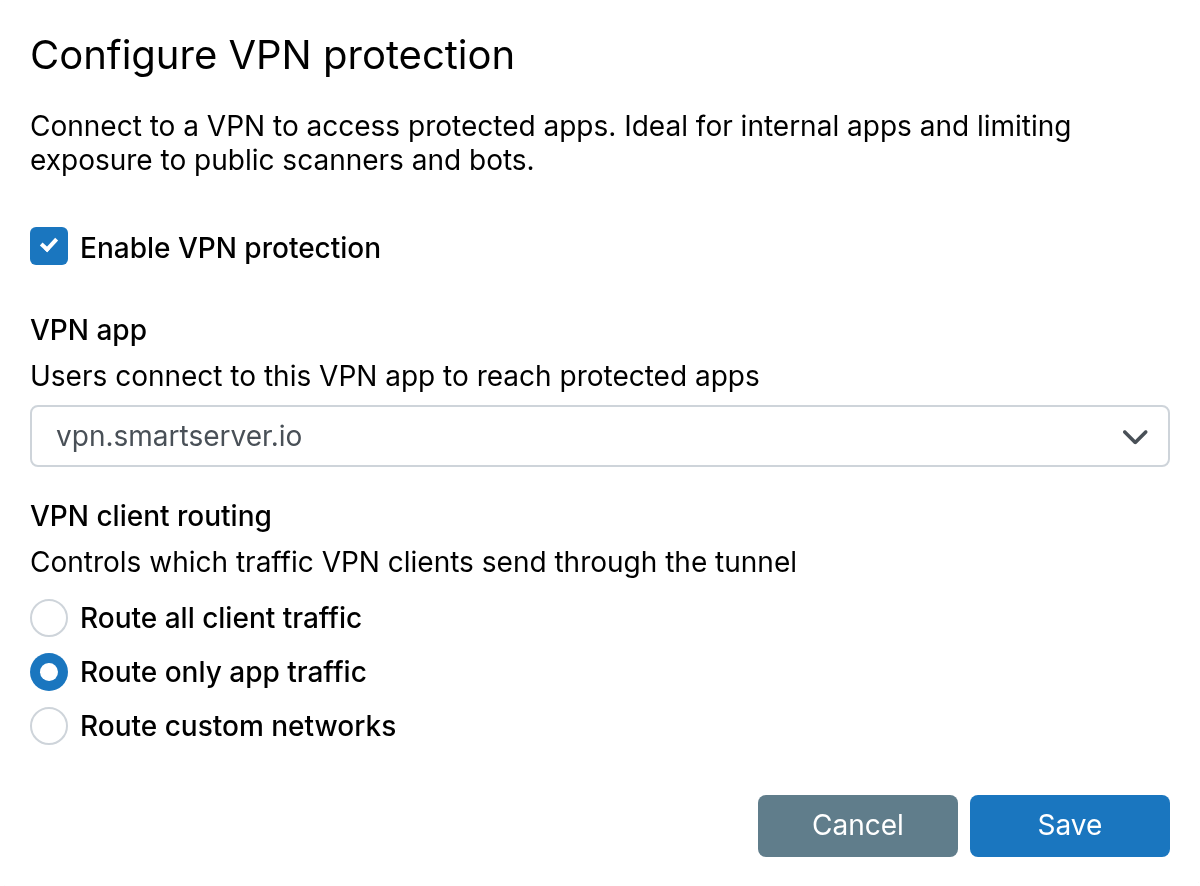
To protect a specific app, check Require VPN in the app's access control settings.
VPN protection does not replace access control or the app's own user management. Anyone on the VPN still has to sign in.

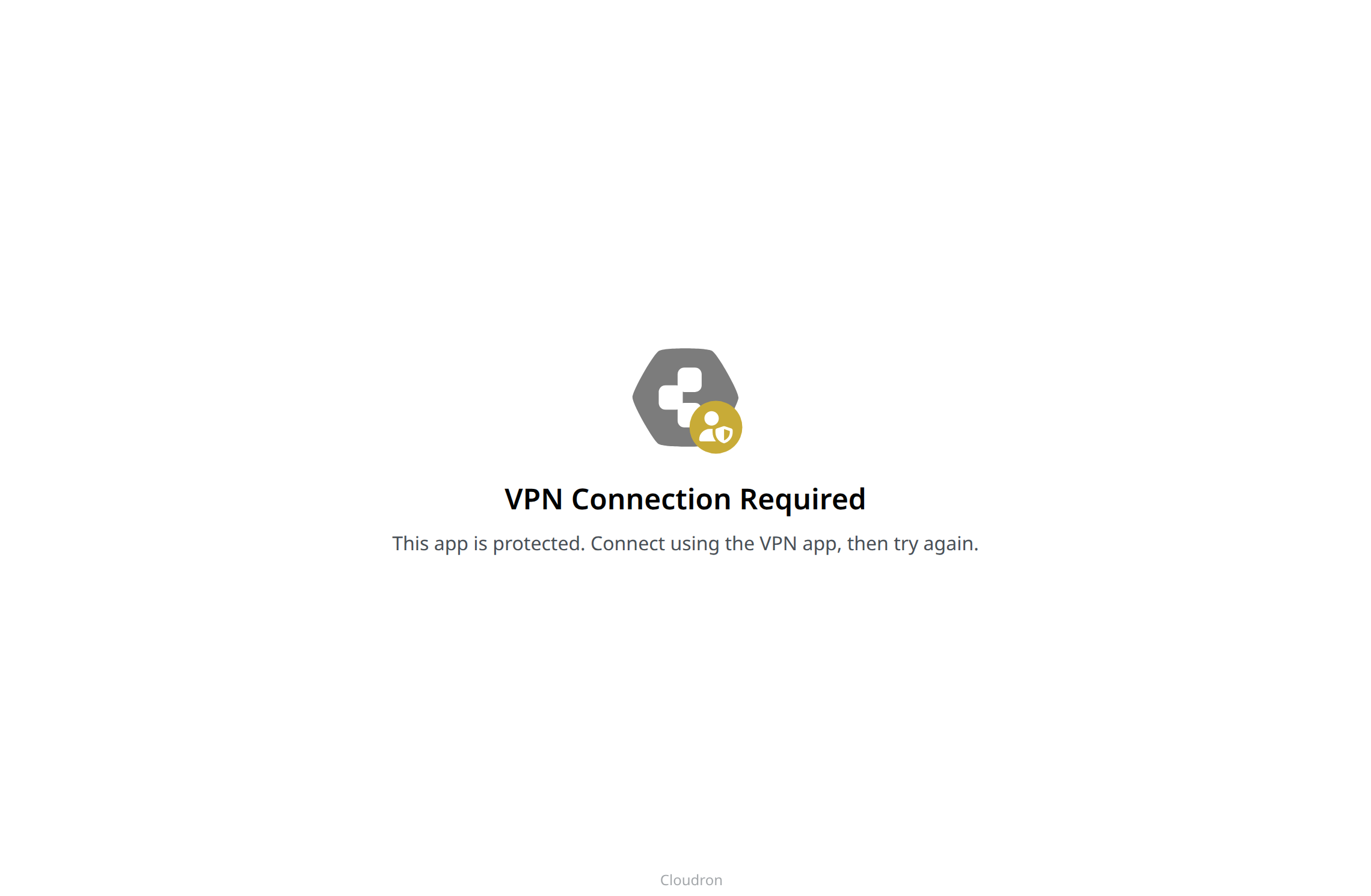
Requests without a VPN connection show a VPN required page.
VPN client routing
These options configure routing on the device (desktop or mobile VPN client). After the client connects, they control which traffic goes through the VPN tunnel and which uses the device's normal connection:
- Route all client traffic - All traffic from the device goes through the VPN, including visits to external websites. Those sites see the Cloudron server's IP address.
- Route only app traffic - Only traffic to protected apps goes through the VPN. Other traffic uses the device's normal connection
- Route custom networks - Traffic to protected apps and to the listed IP addresses or subnets (CIDR) goes through the VPN. Other traffic uses the device's normal connection